

Selecting the right bookkeeping solution is an important decision for any business. The software you choose affects how accurately you track finances, how easily you stay compliant, and how confidently you make business decisions.
Jump to a section
- QuickBooks Online
- QuickBooks Desktop
- Xero
- FreshBooks
- Wave Accounting
- Zoho Books
- Spreadsheet-Based Bookkeeping
- How to Choose the Right Bookkeeping Software
QuickBooks Online
Overview
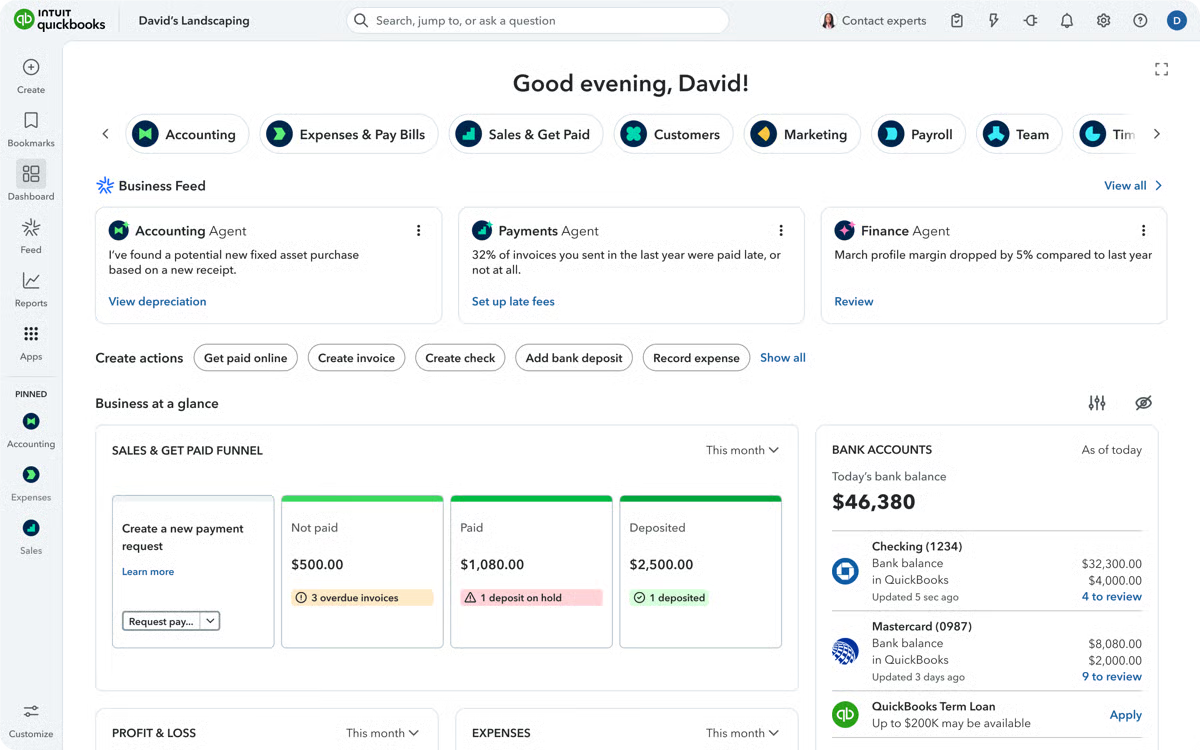
QuickBooks Online is a cloud-based bookkeeping and accounting platform used by small and midsize businesses. It supports day-to-day bookkeeping while making collaboration with bookkeepers and accountants straightforward.
Core features
- Income and expense tracking
- Bank and credit card reconciliation
- Invoicing and bill management
- Payroll and sales tax integrations
- Financial reporting and audit trails
Best fit for
Businesses that want scalable bookkeeping, clean reporting, and room to grow without switching platforms.
QuickBooks Desktop
Overview
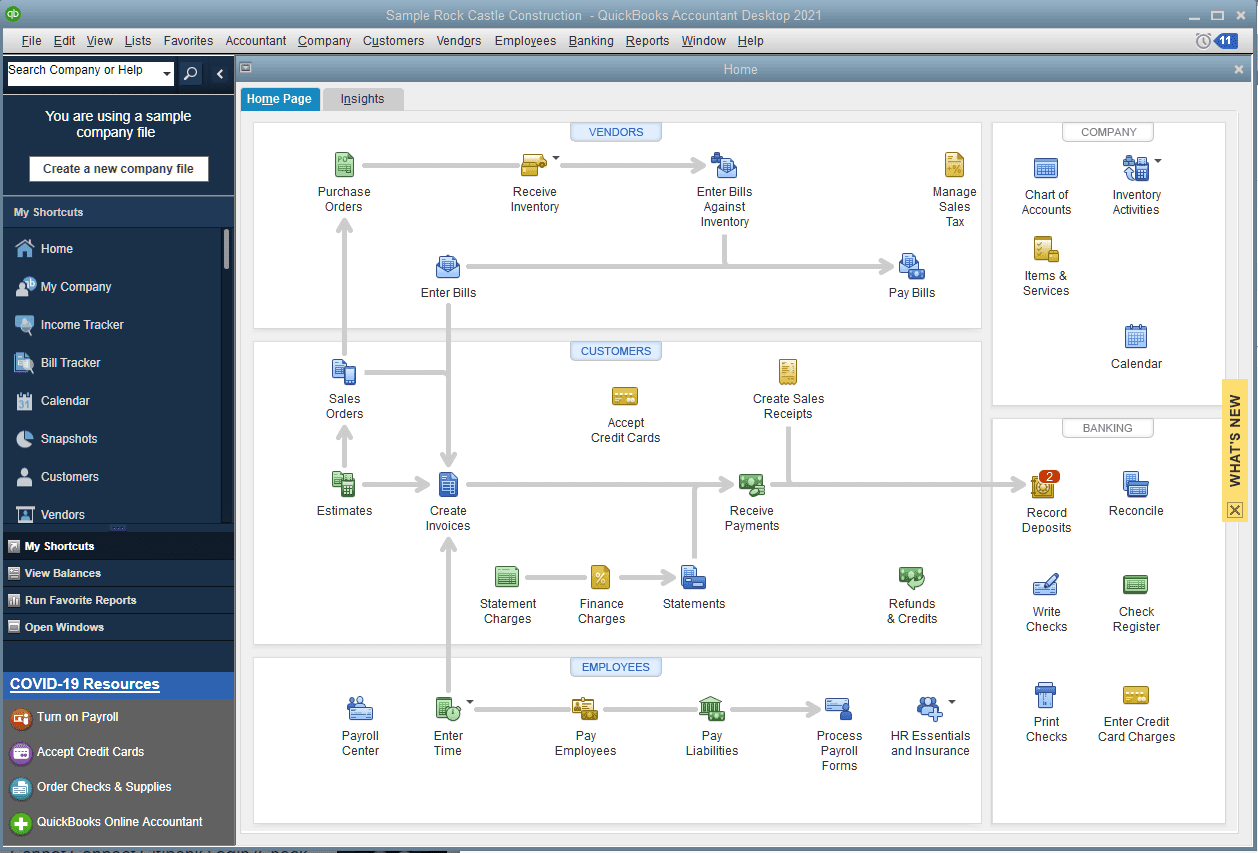
QuickBooks Desktop is installed locally or hosted through a provider. It offers powerful reporting and specialized workflows but usually requires more setup and maintenance.
Core features
- Advanced reporting
- Job costing
- Inventory tracking (in some editions)
- Local file control
Best fit for
Businesses with complex workflows or job costing needs that prefer local control.
Xero
Overview
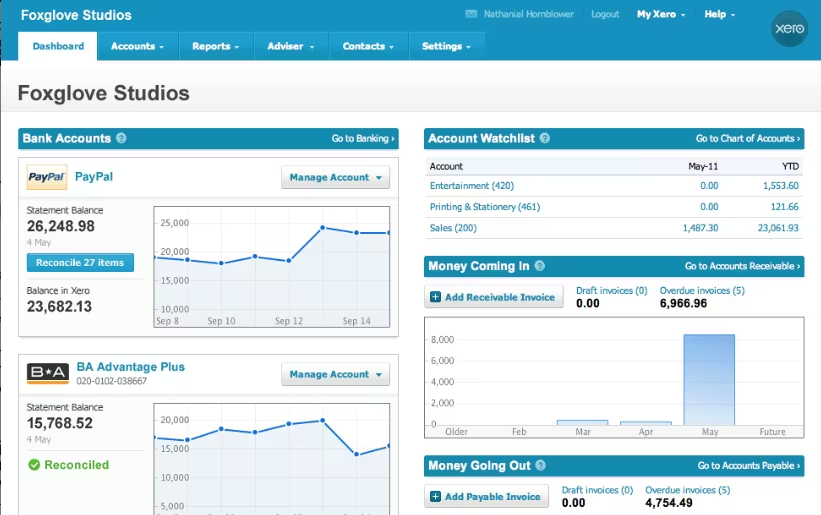
Xero is a cloud-based bookkeeping platform known for a clean interface and strong automation features.
Core features
- Bank reconciliation
- Invoicing and bill tracking
- Multi-currency support
- Third-party app integrations
Best fit for
Businesses with straightforward bookkeeping needs or international operations.
FreshBooks
Overview
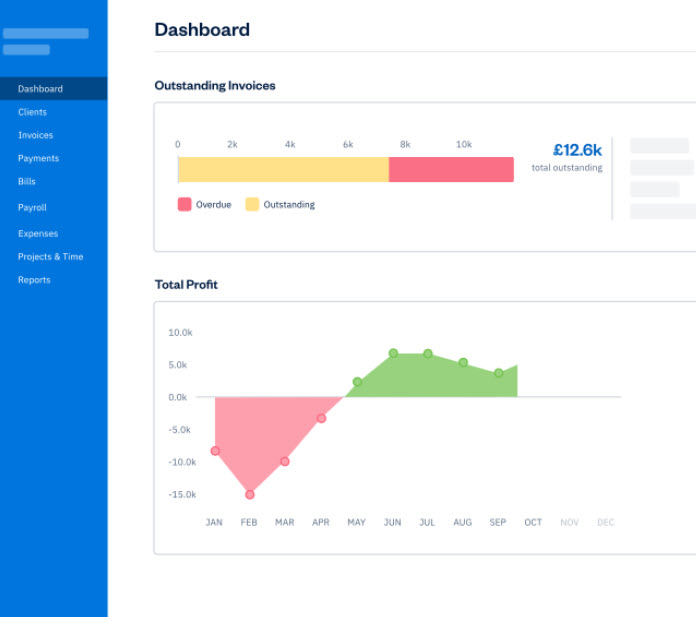
FreshBooks focuses on invoicing and light bookkeeping for service-based businesses.
Core features
- Time tracking
- Invoicing
- Expense tracking
- Client-focused summaries
Best fit for
Freelancers, consultants, and small service businesses.
Wave Accounting
Overview
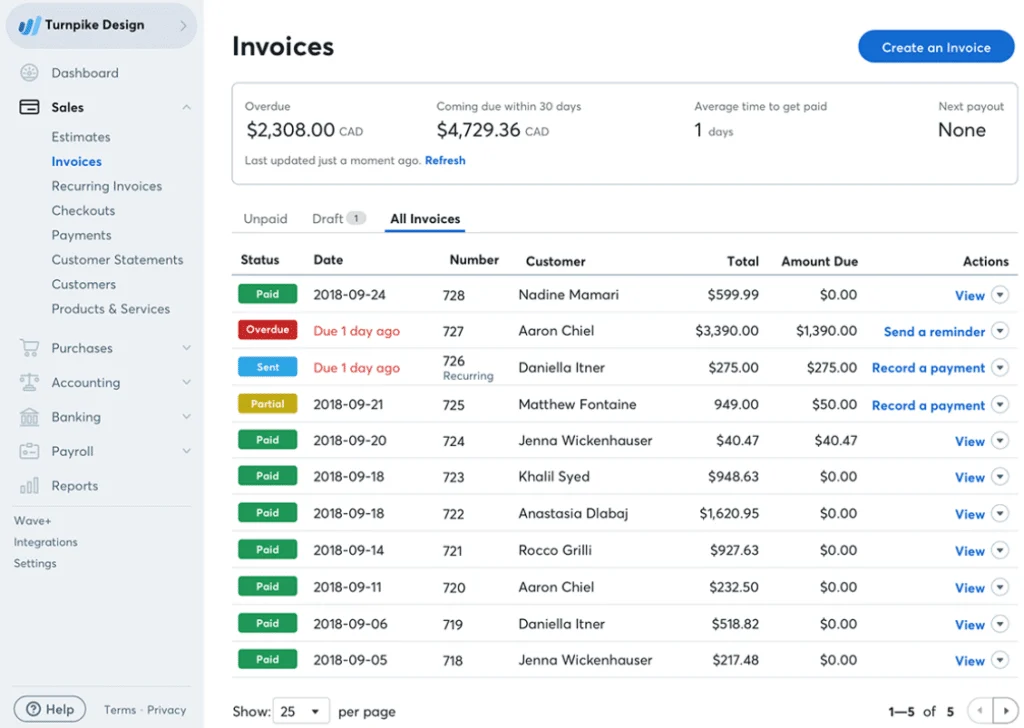
Wave is a free bookkeeping tool with optional paid services for payroll and payments.
Core features
- Income and expense tracking
- Basic invoicing
- Simple reports
Best fit for
Solopreneurs and very small businesses with minimal transaction volume.
Zoho Books
Overview
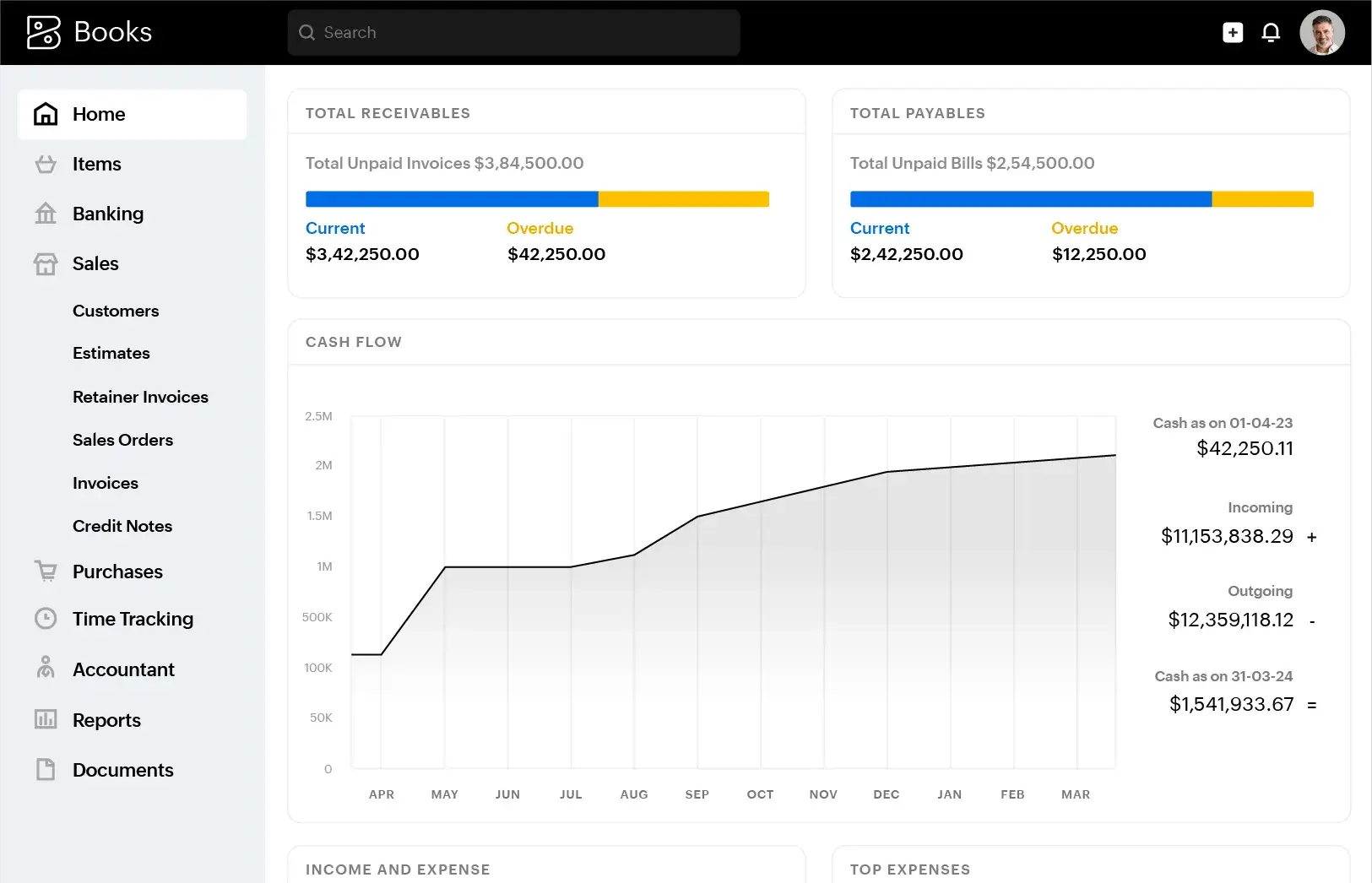
Zoho Books integrates with the broader Zoho ecosystem, including CRM and inventory tools.
Core features
- Bank reconciliation
- Invoicing and automation
- Sales tax support
- Custom workflows
Best fit for
Businesses already using Zoho products.
Spreadsheet-Based Bookkeeping (Excel or Google Sheets)
Overview
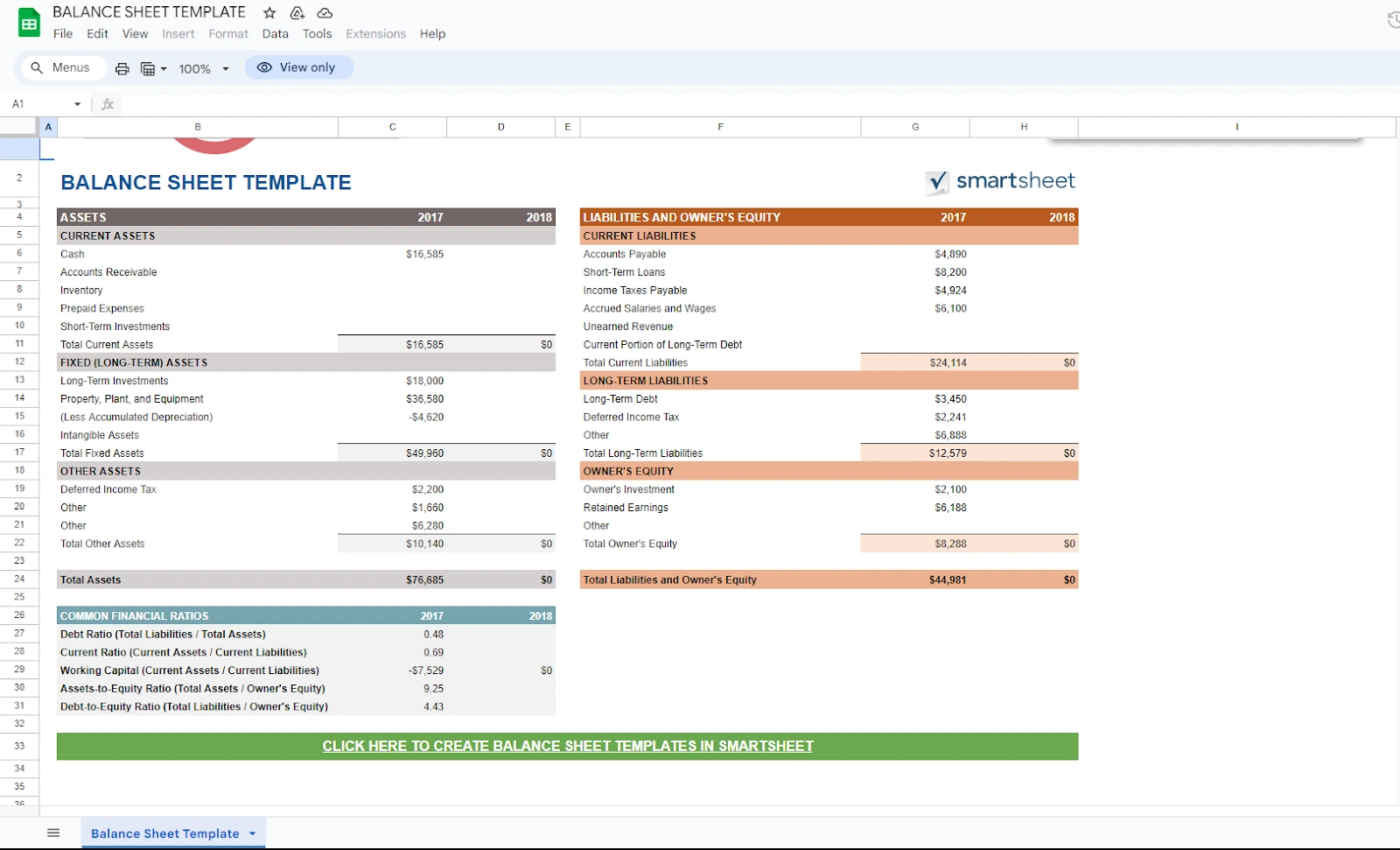
Some businesses track bookkeeping manually using spreadsheets, especially in early stages.
Strengths and limitations
- Strengths: Low cost, flexible
- Limitations: Error-prone, no automation, no audit trail, difficult to scale
How to Choose the Right Bookkeeping Software
Why QuickBooks Online is the most common starting point
For most small and midsize businesses, QuickBooks Online is the platform they ultimately land on — and for good reason. It supports a wide range of business models, integrates with accountants and tax professionals, and scales as a company grows. Because it is so widely adopted, it also benefits from a large ecosystem of support, integrations, and trained professionals.
While other bookkeeping tools can work well in specific situations, QuickBooks Online is often the most practical and flexible choice for businesses that want reliable reporting, clean records, and long-term stability.
Key questions to consider before choosing
- How complex are your transactions today — and how might they grow?
- Do you work with a bookkeeper or accountant who has a preferred platform?
- Do you need payroll, inventory tracking, or job costing now or in the future?
- How important are automation, reporting, and audit trails?
- How many people need access, and what level of permission should they have?
Why training matters more than the software itself
No bookkeeping software is effective without proper training. Most bookkeeping problems do not come from choosing the wrong tool — they come from using the right tool incorrectly.
Without solid training, businesses risk creating errors that compound over time, lead to unnecessary cleanup costs at tax time, and produce reports that do not accurately reflect reality. Decisions based on incomplete or incorrect financial data can result in pricing mistakes, cash flow problems, and missed opportunities.
Good training ensures that your bookkeeping system produces information you can trust. The software records the data, but training determines whether that data is accurate, consistent, and useful for making informed business decisions.